

Your next group shirt starts with a conversation.
Bring the idea to your AI assistant. Smizzy handles the artwork prompts, shirt placement and ordering details. Preview the result, ask for a change, save your favorite and outfit your group.
ChatGPT public access is coming soon.
- Artwork made for a shirt
- Bulk discounts built in
- You approve before checkout
Events Teams Offices Causes
Your assistant brings the idea.
Smizzy knows the shirt.
No elaborate image prompt. No print-file setup. Smizzy takes care of the design instructions and placement so your assistant can focus on what you want.
Start with something like this.
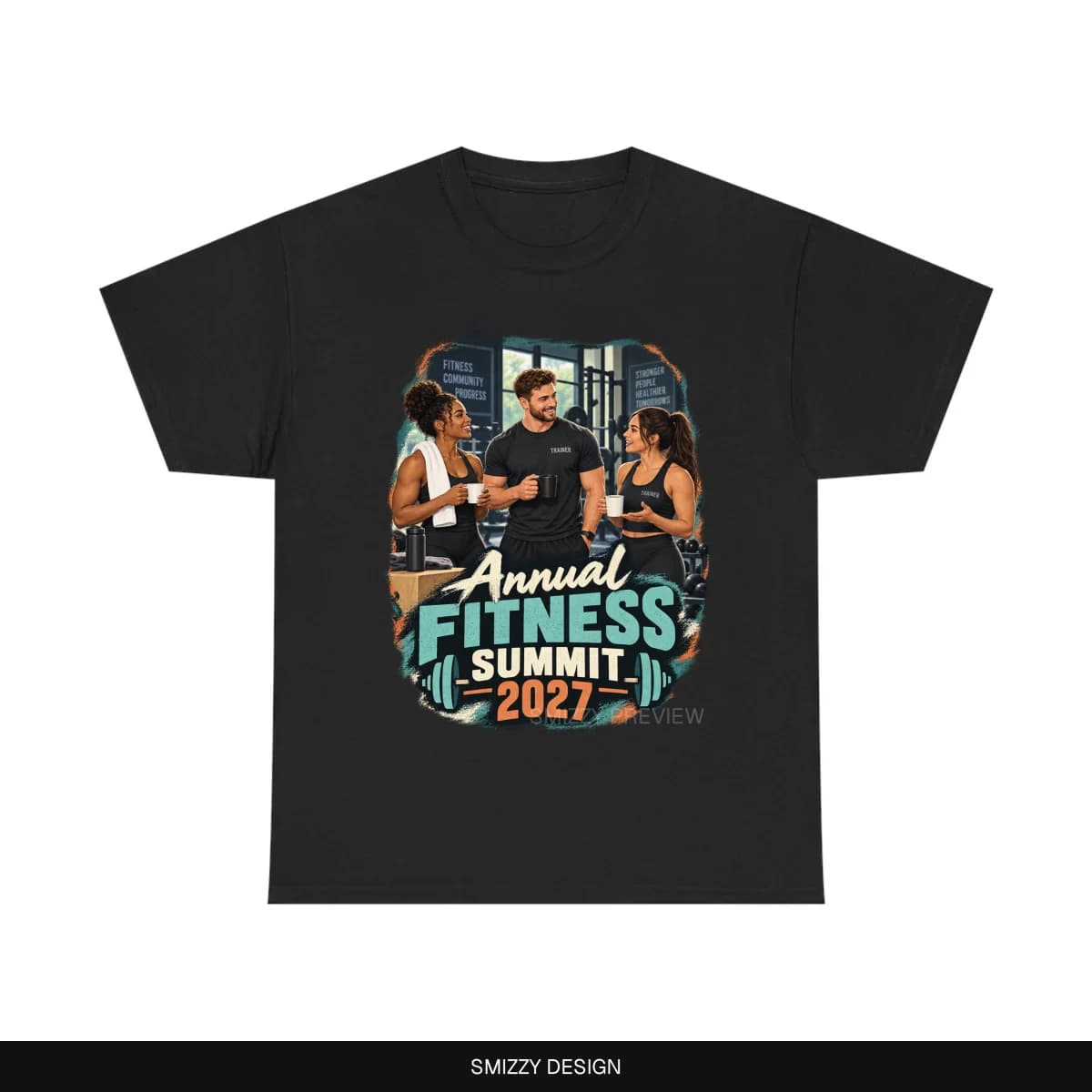
Design a softer “Annual Fitness Summit 2027” shirt with trainers sharing coffee and talking at the gym. We need 20 black shirts in a mix of sizes. Show me the artwork and confirm our sizes before checkout.
- 1
Describe the occasion
Tell your assistant the concept, the look you want and who the shirts are for. A rough idea is enough to get started.
- 2
Let Smizzy handle the design
Your assistant passes the idea to Smizzy. Our refined T-shirt instructions guide the artwork and place it on a shirt preview for you to inspect.
- 3
Save a favorite. Refine the idea.
Like a result? Choose “Save this version” before trying another. With your account connected, describe a change and Smizzy creates a separate edited version for you to inspect.
- 4
Review it. Outfit your group.
Choose available colors, sizes and quantities. Approve the version you want and the order details in Smizzy, then complete checkout yourself.
A shared design.
A better group price.
From a few teammates to a whole event, eligible shirts in your cart count toward automatic bulk savings. Mix sizes without losing the group discount.
Discounts apply to the shirt price. Shipping and tax are separate. Your review and checkout show the current totals.
Planning 100 or more? Ask about a custom quote| Shirts in your order | Shirt discount |
|---|---|
| 2–4 shirts | 5% off |
| 5–19 shirts | 8% off |
| 20–49 shirts | 12% off |
| 50–99 shirts | 15% off |
| 100+ shirtsCustom quote also available | 15% off |
Made to leave
the chat.
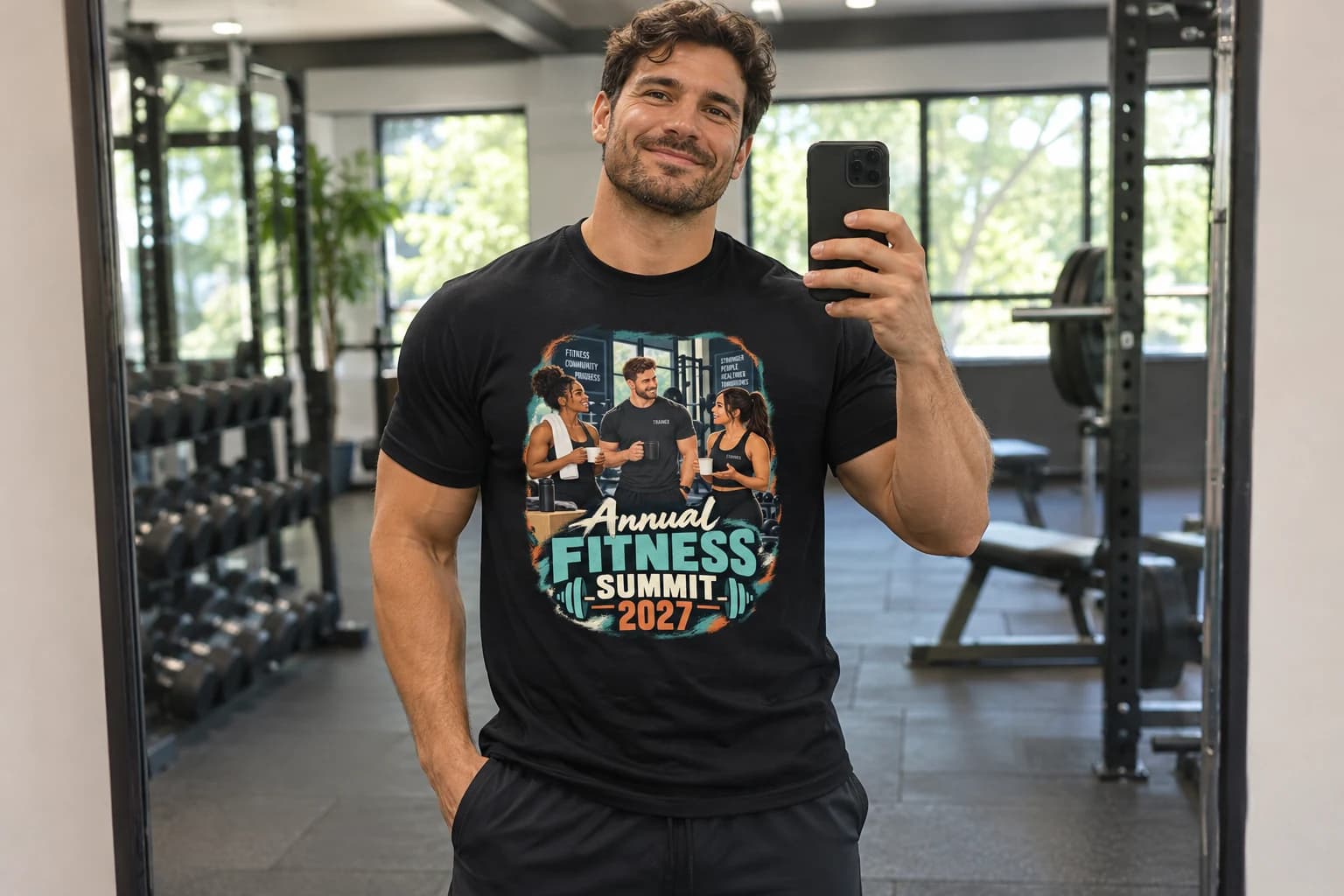
A great shirt is more than an image. Smizzy brings artwork, placement, product choices and ordering together—so you can spend less time coordinating and more time getting your people together.
Keep a favorite in your account. Come back for the next meetup, another team member or a fresh order of a purchased design.
See more Smizzy resultsYour assistant.
Smizzy’s shirt expertise.
A dedicated T-shirt service that keeps improving. Your assistant supplies the idea; Smizzy handles the evolving design workflow and ordering tools.
ChatGPT
Create, preview, refine and save T-shirt designs, then prepare your order from a conversation.
Public access coming soon
More assistants may join here, including Google. No Google connection is available yet.
Have a shirt idea you want to try today?
Design directly with SmizzyBefore your first shirt.
Can I edit the artwork after seeing the preview?
Yes, for eligible Smizzy-created designs when your account is connected. Say something like “change the fish to green.” Your assistant passes the change to Smizzy, which creates a separate edited version. Edits use your normal generation allowance, and other details may change too. Inspect the new preview and approve it again before checkout.
What if I like a version but want to try another?
Choose “Save this version” or ask your assistant to save it to your connected account first. You can return to that saved version even after creating or editing another design. An edit does not overwrite the original or extend its expiry. Save each version you want to keep; unpurchased saved designs follow the 30-day draft policy.
Can I save or edit a design as a guest?
The initial assistant connection uses a Smizzy account. Where guest access is available, choose “Sign in to save,” sign in to Smizzy and explicitly save the version to your account. Saving does not automatically give your assistant account access. Connect your account when you want the assistant to open saved designs or edit them.
Can I choose shirt colors and different sizes?
Yes. Ask your assistant for the available shirt colors, sizes and quantities. Size availability depends on the selected color. Check the final selection in your Smizzy review before continuing to checkout.
Can I upload our business logo or an existing image?
Image uploads and business-logo placement are not supported in this app. Start with an idea described in words. For a band-inspired look, describe that style in your idea; it is not a logo-upload service.
Who approves the design and pays?
You do. Your assistant helps create the design and prepare the order. You inspect and approve the artwork and order details in Smizzy, then complete payment through Smizzy’s checkout. The assistant cannot approve artwork or pay for you.
Can I order a purchased design again?
Yes. Connect your Smizzy account to return to purchased artwork. Reorders get a fresh review of current colors, sizes, quantities and pricing before checkout. Editing a design never changes an order you already placed.
Does this connect to Google or other assistants?
ChatGPT is the first supported connection, with public access coming soon. A Google connection is being considered, but is not available or scheduled. Any future supported connections will be listed here.