

Music QR Code T-Shirts: Ideas and an Earlier Smizzy Workflow
Published March 10, 2026; updated September 4, 2026
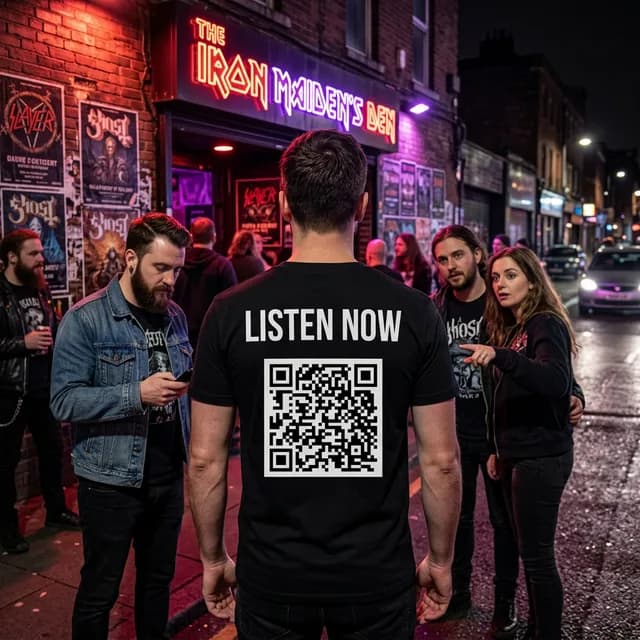
If you are an independent musician, producer, or artist trying to grow your audience, helping interested people reach the right music page can be difficult. A tested QR product can provide an optional shortcut to that page, but a scan and any resulting visit still depend on visibility, placement, lighting, phone compatibility, and the destination itself.
This guide originally documented a Smizzy T-shirt workflow with front artwork and a QR code on the back. New Smizzy T-shirt designs no longer offer QR placement or back printing. The ideas below remain useful for campaign planning and for products that currently list QR support, including supported Smizzy stickers and magnets.
How a Supported QR Product Can Complement Music Promotion
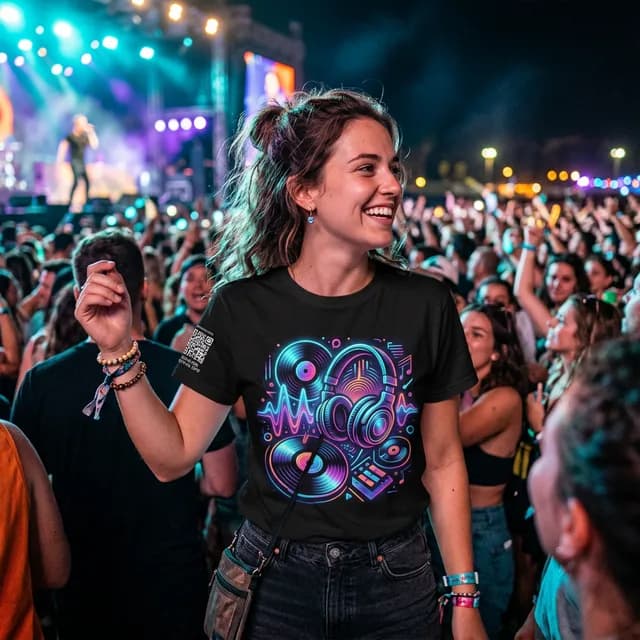
A visible QR code can give an interested person a shorter path to a music page, but placement, lighting, print quality, phone compatibility, and the destination page all affect whether a scan works. Test the finished code before relying on it, and do not assume it will guarantee traffic or listeners.
Potential QR Product Tradeoffs
- • No recurring media buy. The printed item itself does not require ongoing ad spend.
- • Easy camera access. Many current phones can read QR codes, although connectivity is still needed to open an online destination.
- • Conversation starter. People ask about the art. You tell them about your music.
- • Shorter path. A successful scan can save someone from typing a long URL.
- • Optional analytics. Use a destination or redirect service with analytics if you need scan measurement.
Step 1: Open the Smizzy Design Generator
Head to the current Smizzy T-shirt generator. The page shows current sign-in requirements, credit allowance, generation cost, and draft options. New T-shirt designs do not currently support QR placement or back printing.
Step 2: Describe Your Album Art or Music Concept
The "FRONT OF SHIRT" prompt field is where you describe the artwork you want the AI to generate. This is your chance to visualize your music. Think about the mood of your latest track, the aesthetic of your brand, or the vibe of your artist persona.
Example Prompts for Music Shirts
- • "A neon microphone melting into a pool of liquid chrome, surrounded by floating musical notes and purple smoke."
- • "A vinyl record spinning on a turntable in outer space with galaxies and stars reflecting off the surface."
- • "An electric guitar made of lightning bolts, crackling with energy against a dark stormy sky."
- • "A pair of headphones with lush tropical plants and flowers growing out of them, colorful and vibrant."
- • "A lo-fi anime girl producing music on a laptop in a cozy rain-soaked apartment at night."
Specific details about colors, moods, and artistic styles can help communicate your intent, but the first result may still differ from your request. The AI T-Shirt Prompt Formula offers a structure to try.
Step 3: Pick an Art Style That Matches Your Sound
Below the prompt field is the Style picker, a visual grid of curated art styles. Each one completely changes the feel of the AI output. Here are some styles that work especially well for music merch:
- 80s Retrowave / Outrun for synthwave, vaporwave, and electronic producers.
- 90s Skate / Grunge for alternative rock, grunge, and underground artists.
- Cyberpunk / Neo-Tokyo for EDM, trap, and futuristic aesthetics.
- Anime / Mecha Cel-Shaded for lo-fi beats, J-pop, and anime-inspired projects.
- 70s Psychedelic / Groovy for jam bands, funk, and experimental music.
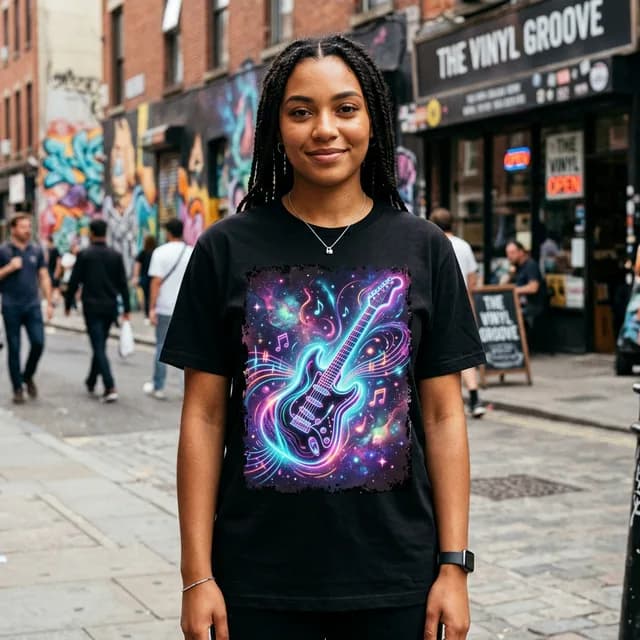
An AI-generated music-themed design on a black tee, created with a single prompt.
Earlier Workflow Step 4: Add Your Text
The March 2026 workflow used two text fields. These notes describe that earlier interface, not current T-shirt controls:
Text on Shirt (Front)
The first field placed text with the front artwork. Examples included an artist name, song title, album name, or tagline such as "MIDNIGHT SESSIONS" or "VOLUME III."
Historical Text Above QR (Back)
This was the call-to-action printed above the back QR code in the earlier workflow. Example wording included:
- • "LISTEN NOW" - clean and universal
- • "ADD SONG" - great for Spotify singles
- • "HEAR MY NEW TRACK" - creates curiosity
- • "FOLLOW ME" - if linking to a social profile
- • "SUBSCRIBE NOW" - an option for an authorized YouTube channel link
Earlier Workflow Step 5: Paste Your Music Link
The earlier QR Link field accepted the destination URL. New T-shirt designs do not include this field. For a currently supported QR product, possible destinations include:
What to Link To
- • Spotify track or artist page - the most common choice for streaming artists.
- • Apple Music link - reaches the iOS audience directly.
- • YouTube music video - great for visual artists and rappers.
- • SoundCloud profile - popular for independent and underground producers.
- • Linktree or bio link - send fans to all your platforms at once.
- • Bandcamp page - an option for vinyl, merchandise, or direct-support information.
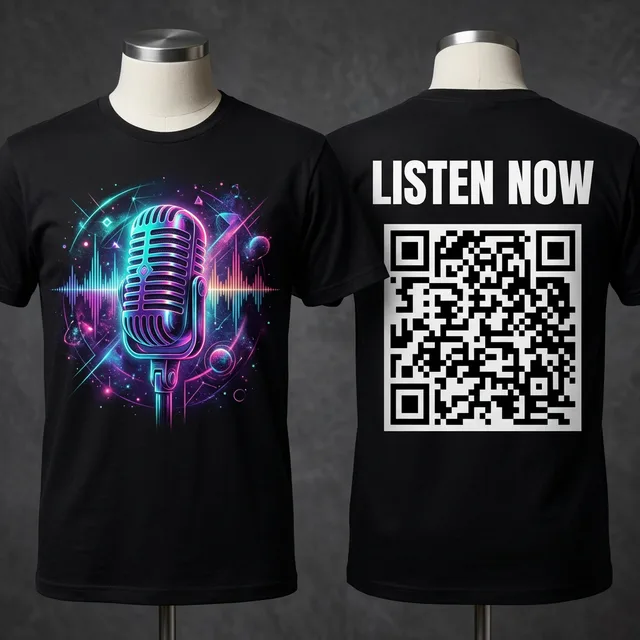
Historical March 2026 preview. This front-and-back configuration is not a current T-shirt offer.
Step 6: Generate and Review the Current Preview
For a new T-shirt, enter the artwork prompt and use the options currently shown, then click GENERATE CONCEPT. Generation time varies. Smizzy does not automatically create a T-shirt QR code in the current workflow.
Review the generated artwork and front-print preview closely before ordering. Earlier images in this guide that show a back view are historical examples and are not a promise of a current T-shirt option.
If you want another variation, use the Edit This Design panel when it is available. Type an instruction like "make the colors more vibrant" or "add more contrast," apply it, and review the full result because other details can change.
Current Step 7: Save or Add the Front-Print Design to Cart
When you are happy with the current front-print result, use only the actions and options shown on the live page:
Save Draft
Save the current design to your personal gallery when the live page offers that action. Older saved designs can retain compatible historical options, but they do not make those options available for a new design.
Select Size and Add to Cart
Pick from the sizes and quantities currently shown, then review the exact product, front-print configuration, price, shipping, and payment options in cart and checkout before paying.
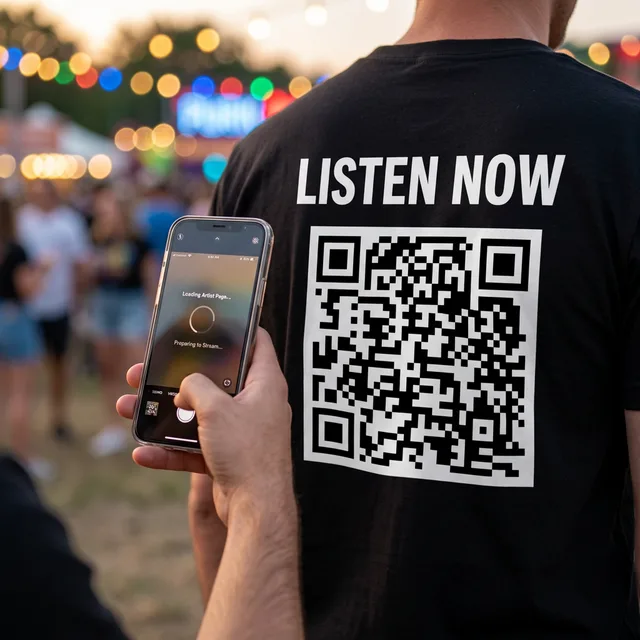
Historical concept image, not a current Smizzy T-shirt configuration or a guarantee of a successful scan.
Planning Scenarios for a Currently Supported QR Product
At Your Own Shows
A supported, tested QR product could be displayed while performing, at a merch table, or while greeting fans. A scan remains optional and does not guarantee a visit or listener.
At Other People's Shows
Concerts, festivals, and open mics can put a supported QR product near music fans. Follow venue rules, avoid blocking sight lines, and do not assume visibility will lead to scans.
At the Studio or Co-Working Space
At a studio or co-working space, a supported QR product may provide optional context when networking. A clear printed artist name and fallback URL remain useful.
Everyday Life
A visible design may prompt interest at the gym, coffee shop, or on public transit, but it does not promote itself continuously or guarantee engagement.
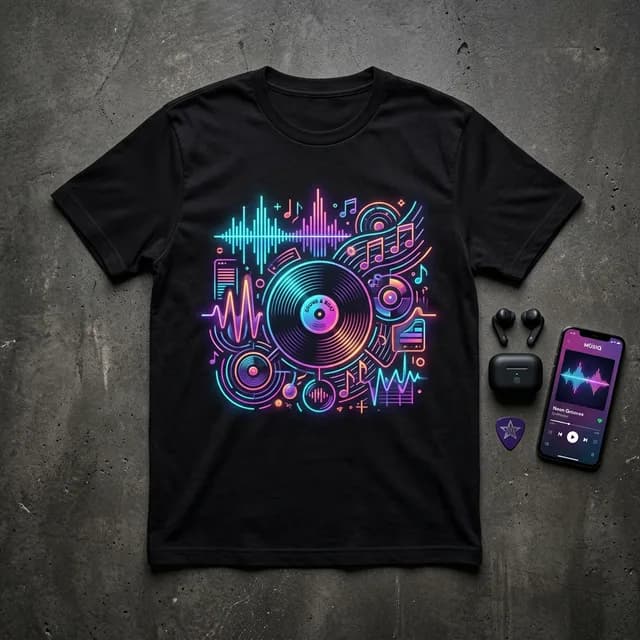
Music-themed front-art concept. Promotional results depend on the setting and audience.
Quick Recap
- Sign in to Smizzy.
- Describe your music-themed artwork in the prompt field.
- Pick an art style that matches your genre.
- Choose from the shirt colors currently shown.
- Include any desired artist name or tagline in quotation marks in the artwork prompt.
- Remember that new T-shirt designs do not offer QR placement or back text.
- Use a supported sticker or magnet if you need a current Smizzy product with listed QR options.
- Hit Generate Concept and allow the generation to finish.
- Review your previews, edit if needed, and add to cart.
Ready to turn your music into wearable merch? Start designing now →